
Aqua Data Studio
Industry-leading Database IDE
with Data Management and Visualization
Aqua Data Studio
with Data Management and Visualization

Why Aqua Data Studio?
As the role of data in business continues to evolve, organizations need an efficient method to simplify complex, technical tasks and close the gap between IT and business teams.
Working with multiple database platforms no longer has to be complicated. Streamline all your data management processes and tasks with Aqua Data Studio: a versatile and scalable database integrated development environment with visual data analytics for relational, cloud, and NoSQL databases.
Aqua Data Studio supports over 40 of the most popular data source platforms on Windows, macOS, and Linux.


Universal Database IDE and Visual Analytics
Aqua Data Studio is a universal integrated development environment (IDE) for databases and visual analytics. It enables database developers, database administrators, and data and business analysts to handle their multi-platform databases and the data contained within them. Develop, manage, and administer databases; access, manage, and visually analyze data; and connect to a large range of relational, cloud, and NoSQL database platforms.
Developers
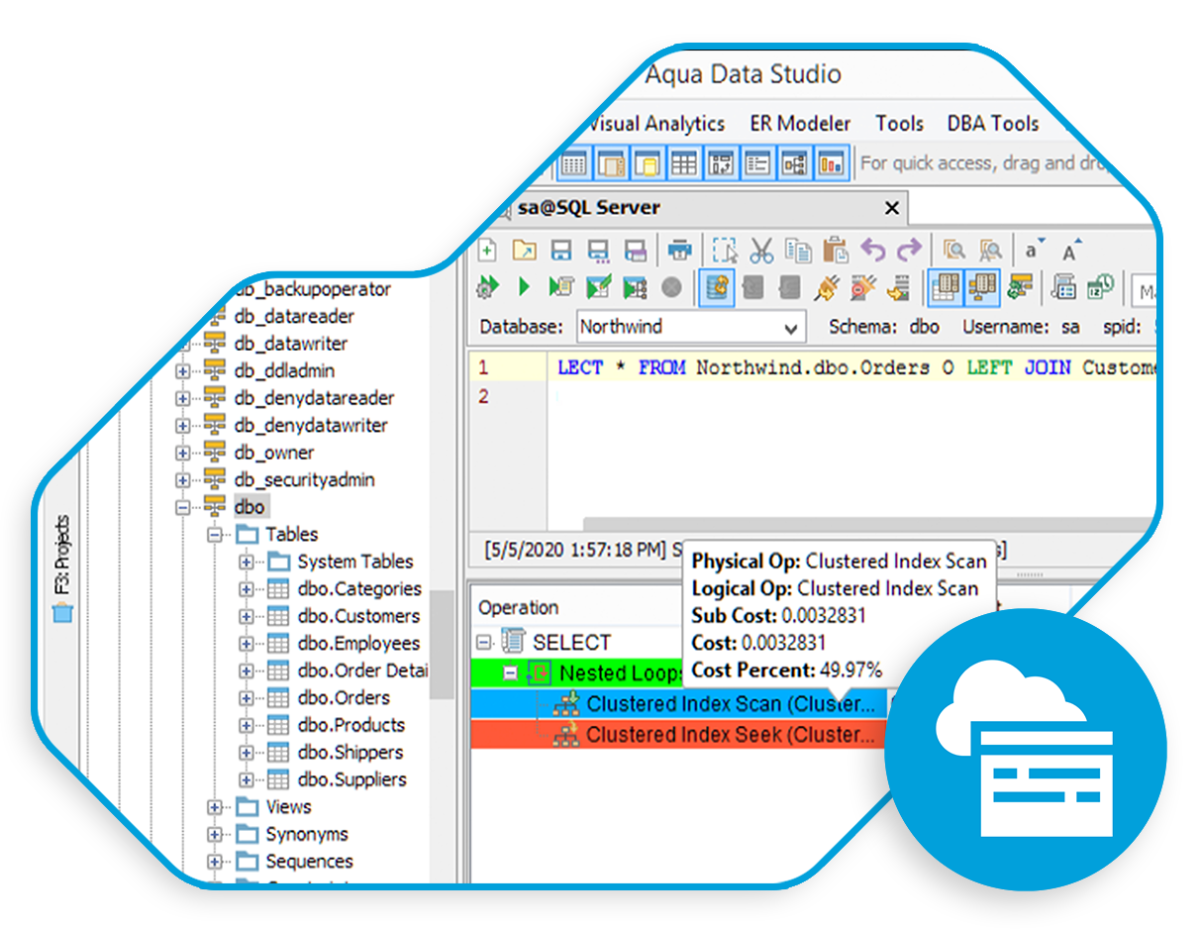
Aqua Data Studio empowers developers to proactively improve application performance and better manage SQL queries, thus freeing up time for more creative work. It also enables them to collaboratively edit SQL code and standardize processes across their team and the rest of the organization.
Data & Business Analysts
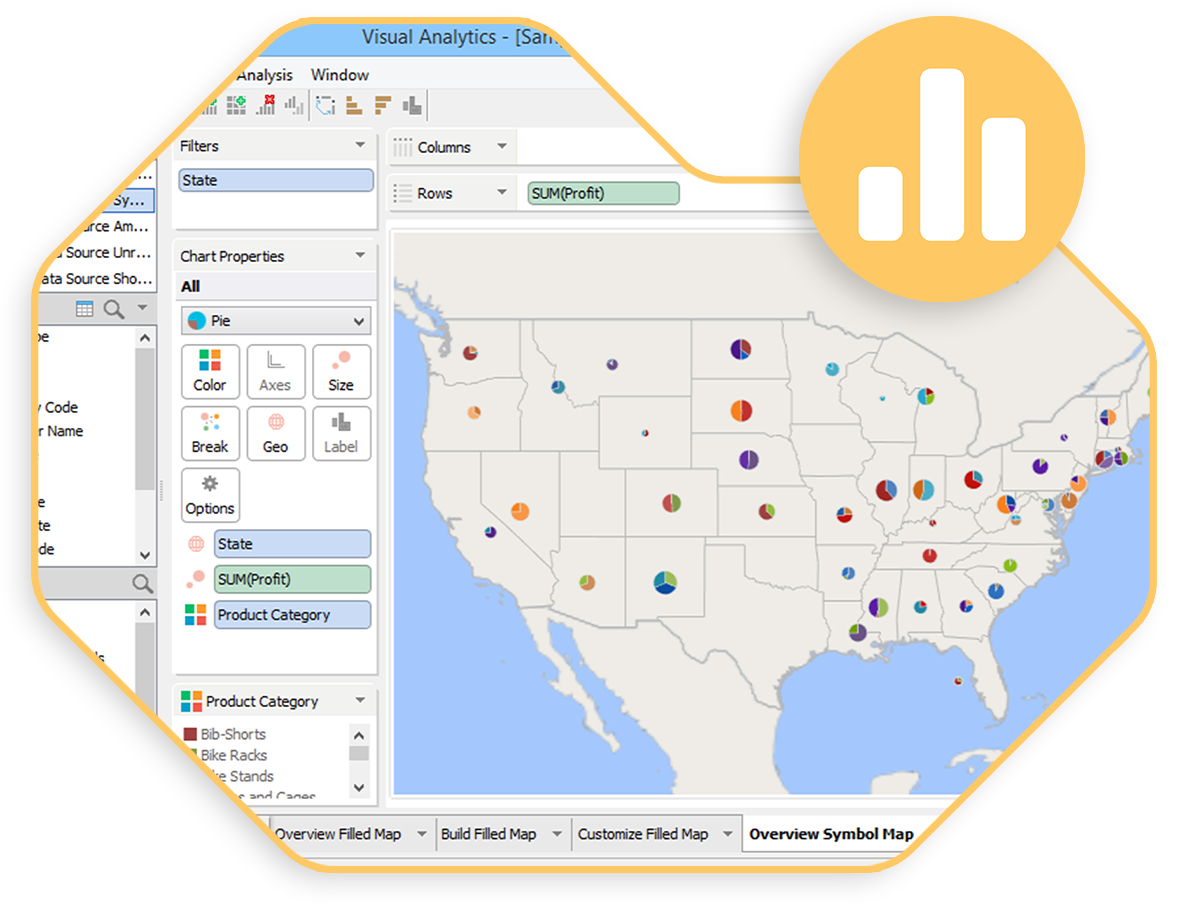
Data analysts can access multiple data source platforms through Aqua Data Studio to create easy-to-understand visualizations and dashboards. These insights can then be shared with business executives to empower informed decision-making.
Data Modelers & Architects
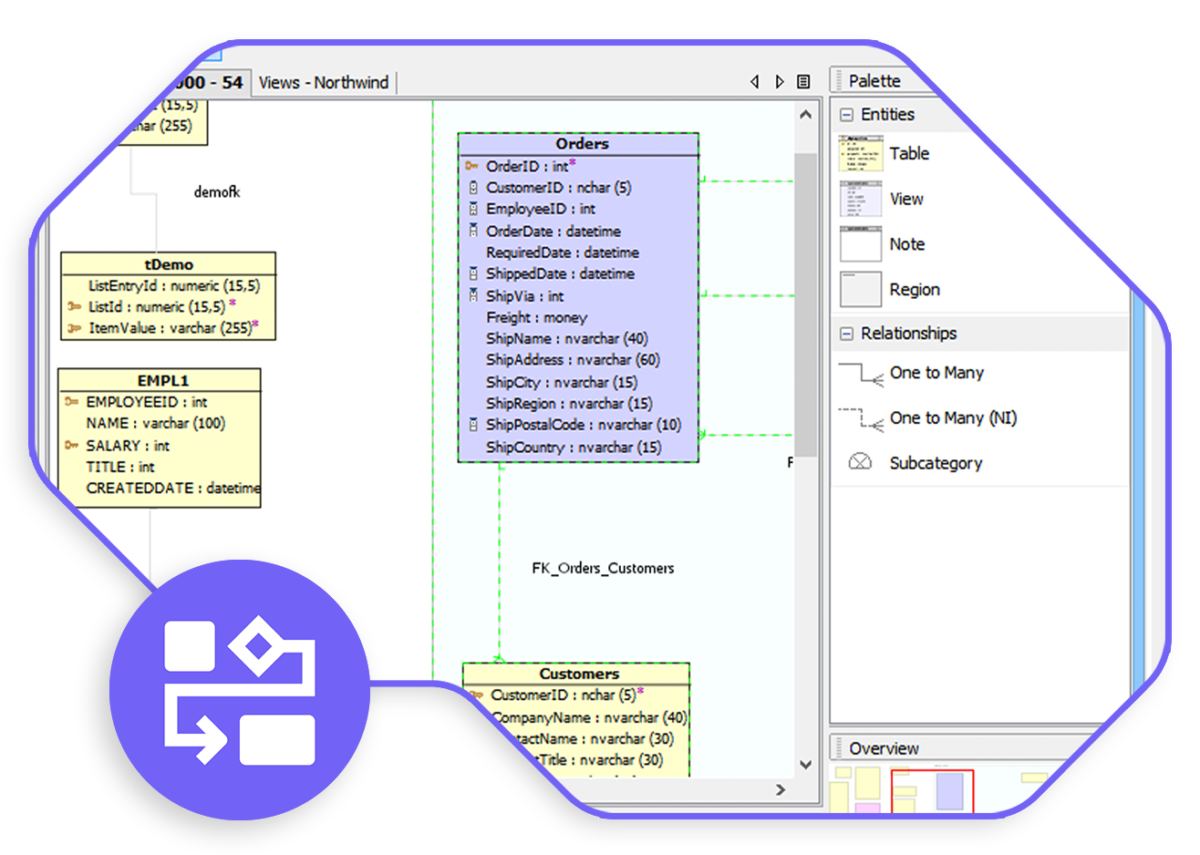
Using Aqua Data Studio, data modelers and architects can build logical data models that are understandable by business people. They can then also develop physical data models in alignment with data store products.
In addition, they improve the visibility of information and data through publishing and collaboration tools. And they can manage change with version snapshots and compare-and-merge with alter script generation that database administrators can review before implementation.
Database Administrators
Database administrators can use Aqua Data Studio to define and identify tables, columns, indexes, and views.
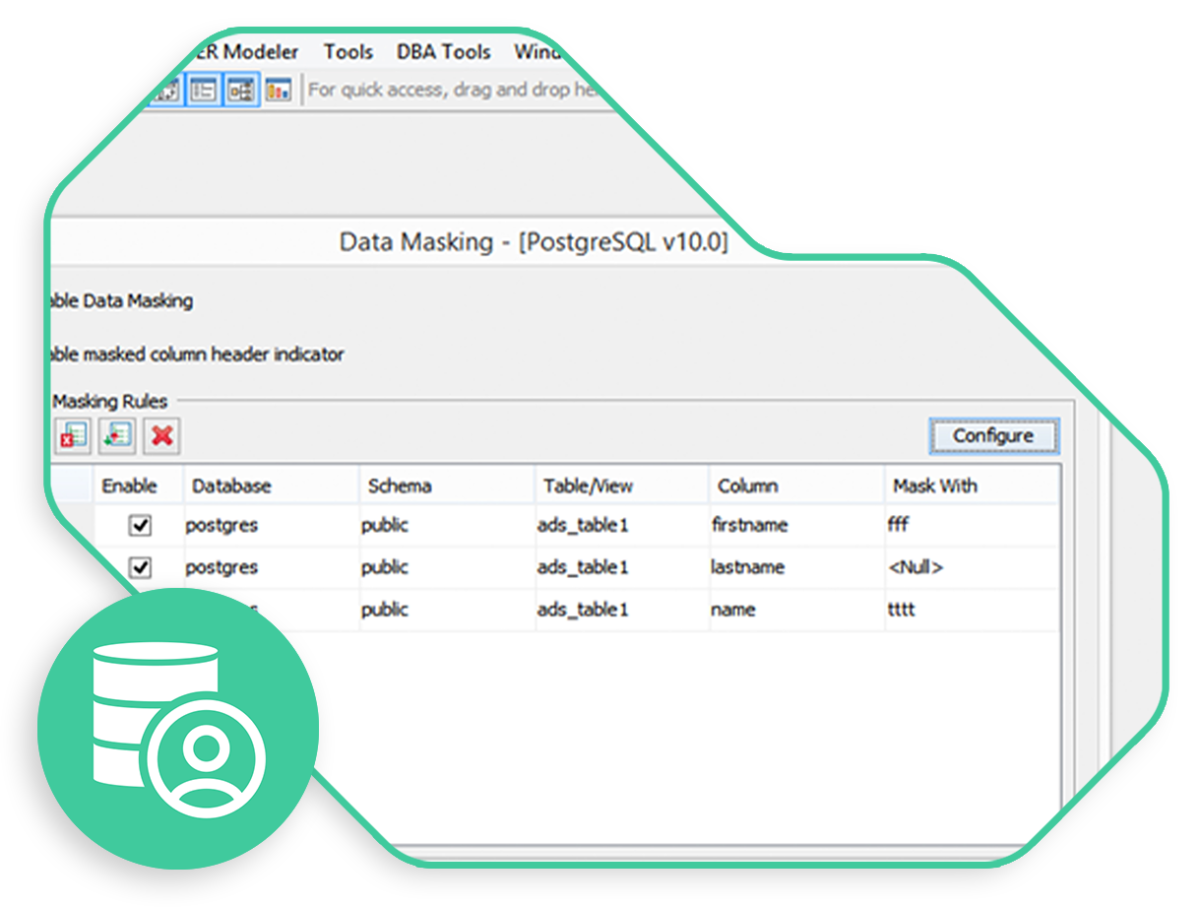
They can also document the schema of existing databases, as well as compare and synchronize the data definition language of schema objects between databases. Maintain secure access to data sources via different types of login authorizations.
With Aqua Data Studio, you can:
Streamline
Simplify
Accelerate
Optimize
Simplify
Streamline
Optimize
Accelerate
Unlocking Valuable Insights:
Discover What Our Experience Has Taught Us.
.
Video
Quickly learn about the many powerful features of Aqua Data Studio.
CASE STUDY
Thomas Cook Airlines analyzes query results and improves the SQL quality.
PRODUCT DEMO
See Aqua Data Studio in action during a product overview and live demo.